
IT Support for Schools and Not-for-Profits in New Zealand
Twenty-eight Year 6s are sitting in front of a projector that won't connect. The teacher who usually fixes it is busy in Room 4. Nobody else knows where to start. Across town, a charity coordinator is locked out of the donor database. The volunteer who set it up moved to Wellington last year. Nobody knows the password.
Schools, charities and not-for-profits across New Zealand get their IT, internet and phones from Mint, at rates up to 65% lower than our standard commercial pricing, on flexible month-to-month terms.
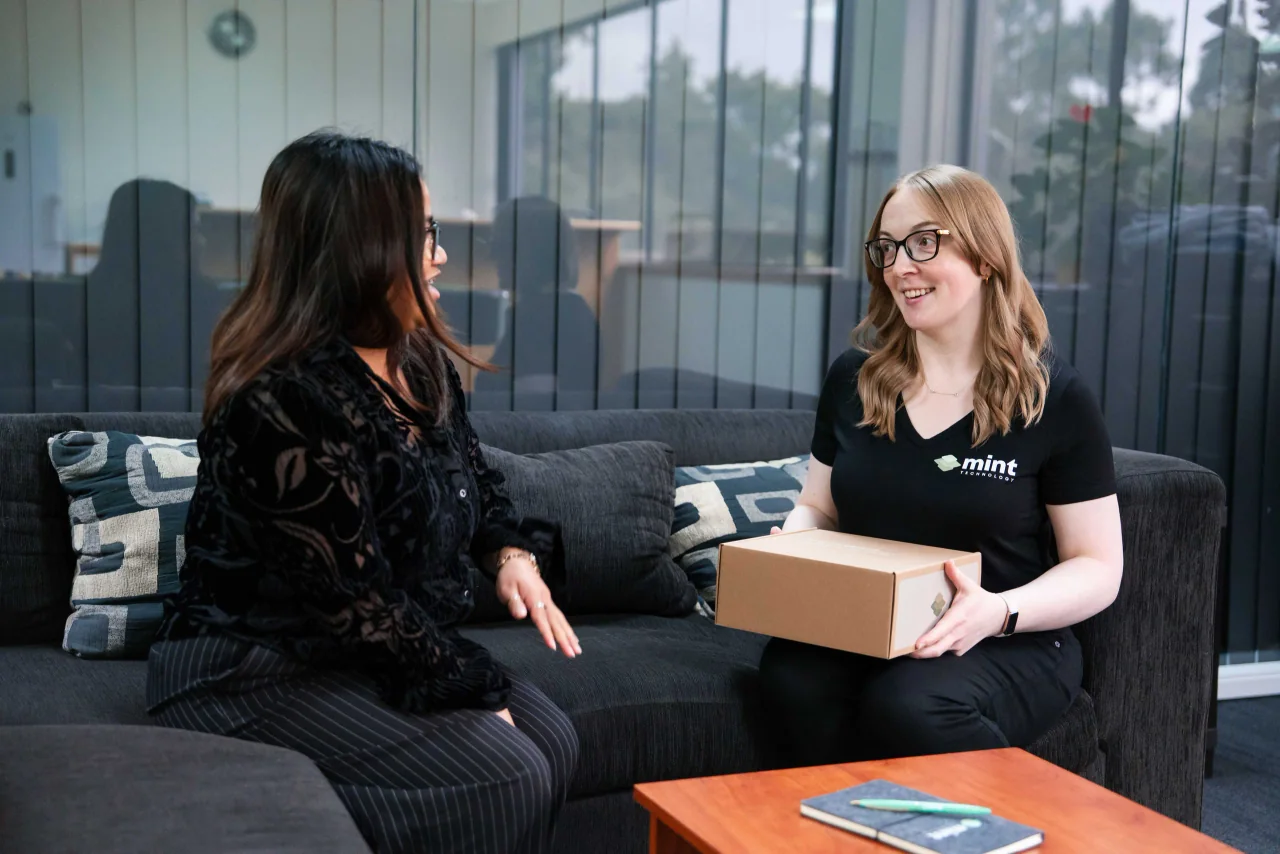
Where a tight budget meets ageing tech
You've got students to teach and people to help. We'll keep your devices running, your data safe and your internet up, and we'll tell you straight where your limited budget will do the most good.
The budget was set before the server died
Your funding gets locked in months ahead. Then a switch fails or a laptop dies mid-term, and the money has to come from somewhere it wasn't meant to.
We help you plan for that. We'll map out what you've got, what's ageing and what's likely to fail next, so the next replacement sits in the budget and doesn't come as a shock. Our lower rates mean more of your funding goes to your kaupapa and less goes to IT.
Laptops older than some of your students
Half your devices are on their last legs. They take five minutes to start, they won't update, and some haven't had a security patch in years.
We'll tell you which machines are worth saving and which are a risk. Sometimes a fresh setup and a new drive give a laptop another two years. When it's really time to replace one, we'll help you buy sensibly. That means no paying for features nobody will use.
Your IT person is also the office manager
In a lot of schools and charities, IT falls to whoever's "good with computers." That might be the deputy principal, a board member or a volunteer on Thursdays. They do their best. But it isn't their job, and they can't be there at 7am when the WiFi drops.
That's what we're here for. Your team calls one number and talks to a real technician. We watch your network around the clock, so we often spot problems before anyone's even arrived for the day.
Logins nobody can track
Volunteers come and go. Relief teachers need access for a week. Former staff still have working accounts because nobody remembered to switch them off.
We give everyone their own sign-in and close accounts the day someone leaves. No more passwords on sticky notes. You'll always know who can see what.
Keeping student, whanau and donor information safe
You hold some of the most sensitive information around. Student records, health notes, family contact details, donor bank accounts. If any of it leaks, it hurts real people and it costs you trust you've spent years building.
The Privacy Act 2020 sets the rules for how New Zealand organisations collect, store and protect personal information. You have to keep it secure and only let the right people see it. If a breach is likely to cause someone serious harm, you need to tell the Privacy Commissioner and the people affected.
We're not your lawyer. We make the tech side easy to get right:
- Multi-factor authentication (MFA). When a volunteer logs in, their phone gets a code to confirm it's really them. A scammer with a stolen password still can't get in.
- Access that matches the role. Teachers see their classes. Volunteers see what they need. The board sees board papers. Nobody can wander into a folder they have no business opening.
- Encrypted devices. A laptop left on a bus or taken from a staffroom is useless to whoever finds it. The files stay locked.
- Backups we've tested. Whether it's a deleted donor spreadsheet or a ransomware attack on a Monday morning, we can bring your files back. We check that regularly, not just assume it'll work.
NCSC research found that more than half of New Zealand small businesses faced a cyber threat in the last six months. Schools and charities sit squarely in that number. You're busy, you're stretched, and scammers know it.
A handful of basics, set up properly, stops most attacks before they start. One rule worth applying every time: if an email asks for money or a password, check by phone first.
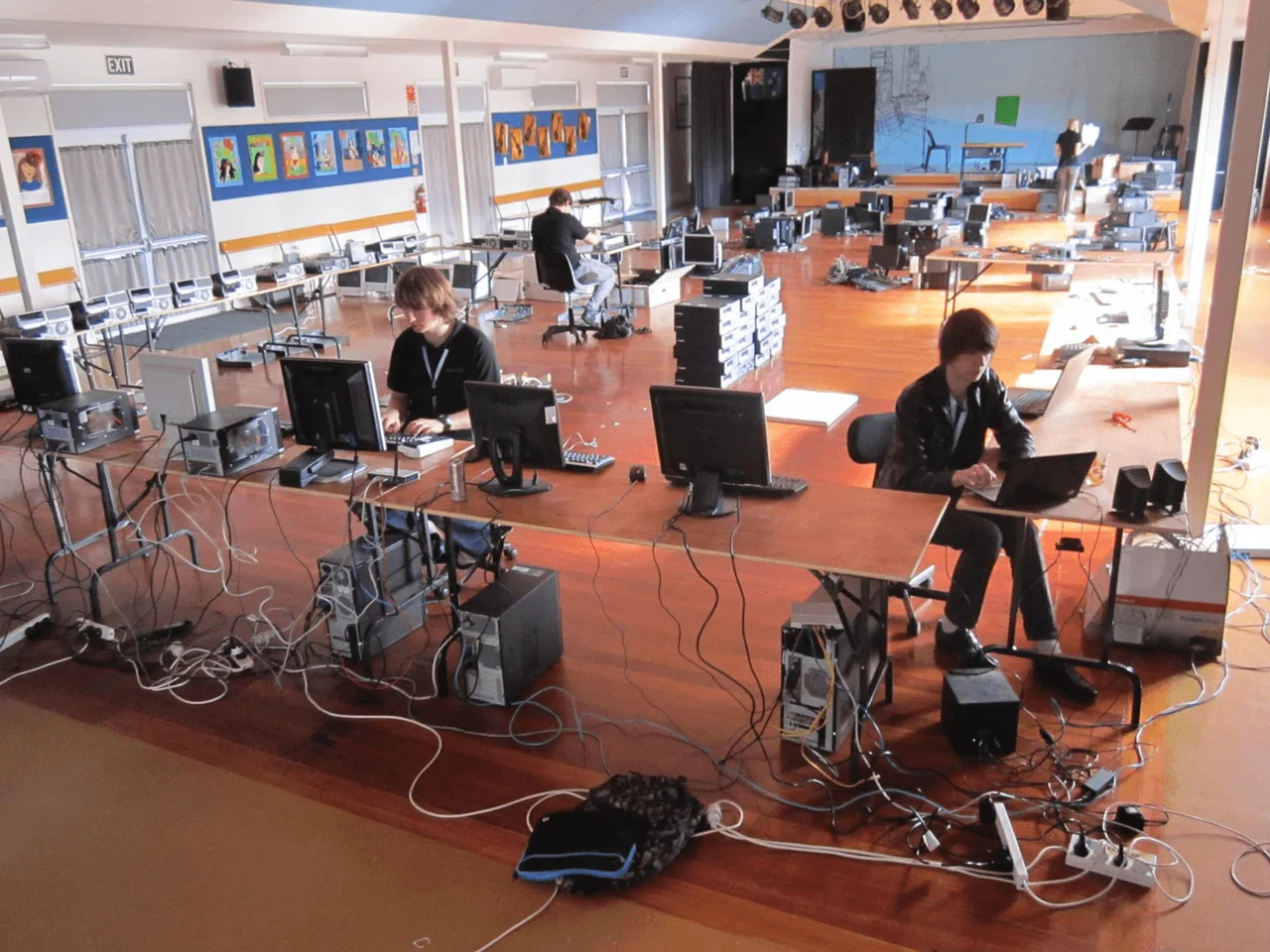
We started in a school hall
Back in 2010, Mint began by fixing computers in a North Shore school hall. We've never forgotten where we came from.
Today, our Community IT programme refurbishes and donates more than 100 computers every year to people and groups who need them. Working with schools and not-for-profits isn't a sideline for us. It's where we began.
Pricing that works on a tight budget
Big budgets aren't the norm in this sector. We get it.
- Rates up to 65% lower than our standard commercial pricing for eligible schools and not-for-profits
- Month-to-month terms with one calendar month's notice. No lock-in contracts.
- A free 45-minute IT health check so you can see where you stand before you spend a cent
Want a rough number first? Try our IT cost calculator.
The tools your school or charity already runs on
We look after the tools you use every day, including:
- KAMAR for student management
- Hero for parent and whanau communication
- Xero for accounts and grant reporting
- Microsoft 365 and Google Workspace for email, documents and classrooms
Using a donor platform or a niche booking system we haven't named? Let us know. We'll learn it and support it like the rest.
How we support your school or charity
Education & Not-for-Profit FAQs
Who qualifies for the lower rates?
Most schools, registered charities and not-for-profit organisations do. Give us a call and we'll confirm your eligibility and pricing during your free health check.
Can you help us get discounted Microsoft or Google licences?
Often, yes. Microsoft and Google both offer reduced-cost or donated licences to eligible schools and charities. We'll check what you can get and help you set it up.
Do you support schools and charities outside Auckland?
Yes. We fix most problems remotely, anywhere in New Zealand. Our own team handles onsite work in Auckland. Everywhere else, we send a trusted local contractor when hands are needed.
Our volunteer set up everything years ago. Can you take it over?
Yes. We'll document what's there, reset the passwords and take ownership of the accounts. That way, your setup never relies on one person's memory again.
Are we locked into a contract?
No. Every plan runs month-to-month with one calendar month's notice. If we're not earning our place, you're free to go.
What happens during the free IT health check?
It takes about 45 minutes. We look at your devices, network, logins and backups, with an eye on the things schools and charities tend to be most exposed on, like shared accounts, ageing hardware and donor or student data. You'll get a plain-English summary of what's solid, what's a risk and what can wait until the next budget cycle.
Let's give your team back their time
Your teachers should be teaching. Your volunteers should be helping people. Neither should be resetting the router. Book online or give us a call on 09 222 0220. We'd love to chat.